

Most students already use AI tools to summarize notes, brainstorm ideas, or finish assignments faster. But when it comes to choosing between ChatGPT and Gemini, many students still struggle to understand which tool is better for studying, research, productivity, or academic writing. In this guide, you’ll discover the real differences between ChatGPT and Gemini, practical student use cases, and which AI assistant fits your learning style best in 2026.
Here is a quick review of ChatGPT vs Gemini for Students
Both Gemini and ChatGPT are smart assistants, but their capabilities differ. Gemini works seamlessly with Google tools, can analyze large documents, and handles photos and videos. ChatGPT, on the other hand, excels at crafting stories, solving complex problems, and engaging in friendly conversation.
Both of these platforms can write short and detailed stories. They can also summarize research papers. They can assist in generating new ideas. They can correct errors in computer code. They can answer complex business queries. They can view PDF files. They can even generate images directly within the chat interface. Thus, these two platforms can do almost everything that an average person might need.
1. Creative Writing & Brainstorming
- ChatGPT :- Conversing with ChatGPT feels much like talking to a real human, as it comes across as both friendly and natural. If you need to write content such as advertisements, scripts, or emails—where precision and nuance are paramount—ChatGPT might be the better choice for you.
- Gemini :- Gemini provides simple and clear responses that focus on the most essential points. If you prefer direct and precise answers without unnecessary verbiage, Gemini might be the better fit. Ultimately, the choice depends on whether you prefer a friendly, conversational interaction or direct, rapid responses from an AI.
2. Eco System
- ChatGPT :- You can only use ChatGPT as a Standalone platform with custom GPTs and external plugins.
- Gemini :- If you primarily use AI on Google to get quick assistance with minor tasks, features like memory retention and personalized support might not be essential for you—in which case, Gemini would be an excellent choice. If you use Google Drive, Gemini can access your documents without the need for copying and pasting. Simply share the link to a document, and Gemini can read it, generate a summary, extract specific information, or perform other tasks. You can even share a link to an entire folder within Google Drive and instruct Gemini to access all the files contained within it. Additionally, while watching YouTube videos, you can ask Gemini to provide a summary or condense the video’s content. If you have a heavy workload, this feature can prove to be incredibly helpful.
3. Citation & Sourcing
- ChatGPT: Will provide links when it browses the web, but you often have to explicitly remind it to cite its sources.
- Gemini: Features a built-in “double-check” button (the ‘G’ icon) that evaluates its own response against Google search results, highlighting corroborated facts in green. This is a lifesaver for building bibliographies.
4. Cross-Chat Memory
- ChatGPT excels at persistent, cross-session personal memory, learning your tones and preferences over time across all your chats.
- Gemini relies on your Google ecosystem to retrieve information, treating sessions independently but utilizing a massive active memory (or context window) within a single chat.
5. Custom GPTs
- ChatGPT :- ChatGPT feels like a distinct and dedicated workspace. You use ChatGPT when you want to brainstorm, plan, create, or organize something. ChatGPT also offers you the capability to create “Custom GPTs”. AI tools designed for specific business tasks that you can reuse repeatedly. Therefore, if you wish to build AI systems, workflows, or internal tools that can be utilized on an ongoing basis, ChatGPT is an excellent choice.
- Gemini :- Gemini does not offer the facility to create Custom GPTs in the same streamlined manner as ChatGPT. Instead, Gemini feels more deeply integrated into the applications you are already using. It integrates seamlessly with your Chrome browser as well as Google tools such as Google Docs and Google Sheets. If you prefer for AI to become a direct, integral part of your existing Google ecosystem, then Gemini would be a more suitable choice for you.
6. Image Generation
- ChatGPT (DALL-E): This is excellent for creative art, sketches, and cinematic or mood-based scenes. If you require specific color grading, it can be customized extensively to your liking, although it lacks some of the photo-realistic nuances found in Gemini.
- Gemini: Best suited for highly realistic and technically accurate images. It is naturally adept at rendering skin textures, lighting, and real-world proportions, though it can sometimes be a bit too rigid for stylized art.
- Image Editing: Both platforms are highly capable of modifying existing photos (changing outfits, adding objects); however, ChatGPT has a slightly better track record of seamlessly integrating edits while leaving the background elements of the user’s original image unchanged.
- Watermarks: Google utilizes SynthID to embed invisible watermarks into images generated by Gemini. ChatGPT does not apply any visible watermarks to its images.
7. Video Generation
- ChatGPT : Sora was originally owned by OpenAI, but they discontinued it; consequently, ChatGPT can no longer generate videos from text. While you can integrate additional tools, the platform itself does not possess a built-in video creation feature.
- Gemini : Google possesses a specialized AI named Veo, which is integrated into Gemini to generate videos. It produces highly clear and realistic videos, complete with audio and facilitates the creation of longer or higher-quality clips.
Key Takeaways
- ChatGPT and Gemini help students with writing, research, coding, brainstorming, and productivity tasks.
- ChatGPT is stronger for conversational explanations, essay drafting, and creative academic support.
- Gemini performs well for research-heavy tasks and Google ecosystem integration.
- AI-generated answers still require fact-checking and human review for academic accuracy.
- Responsible AI usage improves productivity without replacing independent thinking.
- Different student workflows require different AI strengths, including research, writing, and coding support.
Combining ChatGPT and Gemini often creates the best AI-assisted study system for students.
What Are ChatGPT and Gemini AI Tools?
ChatGPT and Gemini are smart computer assistants that can assist students with studying, writing, brainstorming ideas, summarizing information, and improving their learning. They utilize specialized computer programs that understand questions and provide responses that sound just like those of a human. Students use these assistants for their schoolwork.
For example, a college student might ask ChatGPT to explain a complex economic concept, while Gemini could be used to summarize a research paper written in Google Docs.
A 2025 survey reveals that more than 67 out of every 100 students are already using AI assistants for their studies or homework. — Source: Digital Education Council, 2025. That number continues to rise as free AI tools become more accessible.
You may also like this article :- What Is AI and How You Can Use It in Daily Life?
Why Do AI Assistants Matter for Students Today?
AI assistants are highly beneficial because they simplify schoolwork for students, enabling them to learn faster and accomplish more tasks. Today, students are required to juggle multiple responsibilities simultaneously—such as homework, online classes, research, presentations, and examinations.
Students are increasingly utilizing AI to facilitate their learning. A study indicates that by 2032, the global AI learning market could exceed $1.30 Trillion. This trend underscores the fact that students desire faster and more personalized methods of learning – Source: Statista, 2026
AI-assisted education entails the use of intelligent computing tools to aid in research, writing, problem-solving, and the customization of the learning experience.
For example, students studying science and mathematics employ AI chatbots to debug their code or simplify complex formulas. Conversely, students in history or language arts utilize AI to outline essays and brainstorm novel ideas. Consequently, AI assistants prove to be valuable resources across nearly every academic subject.
You may also like this article :- How Students Can Use AI to Study Smarter?
What Is ChatGPT and How Do Students Use It?
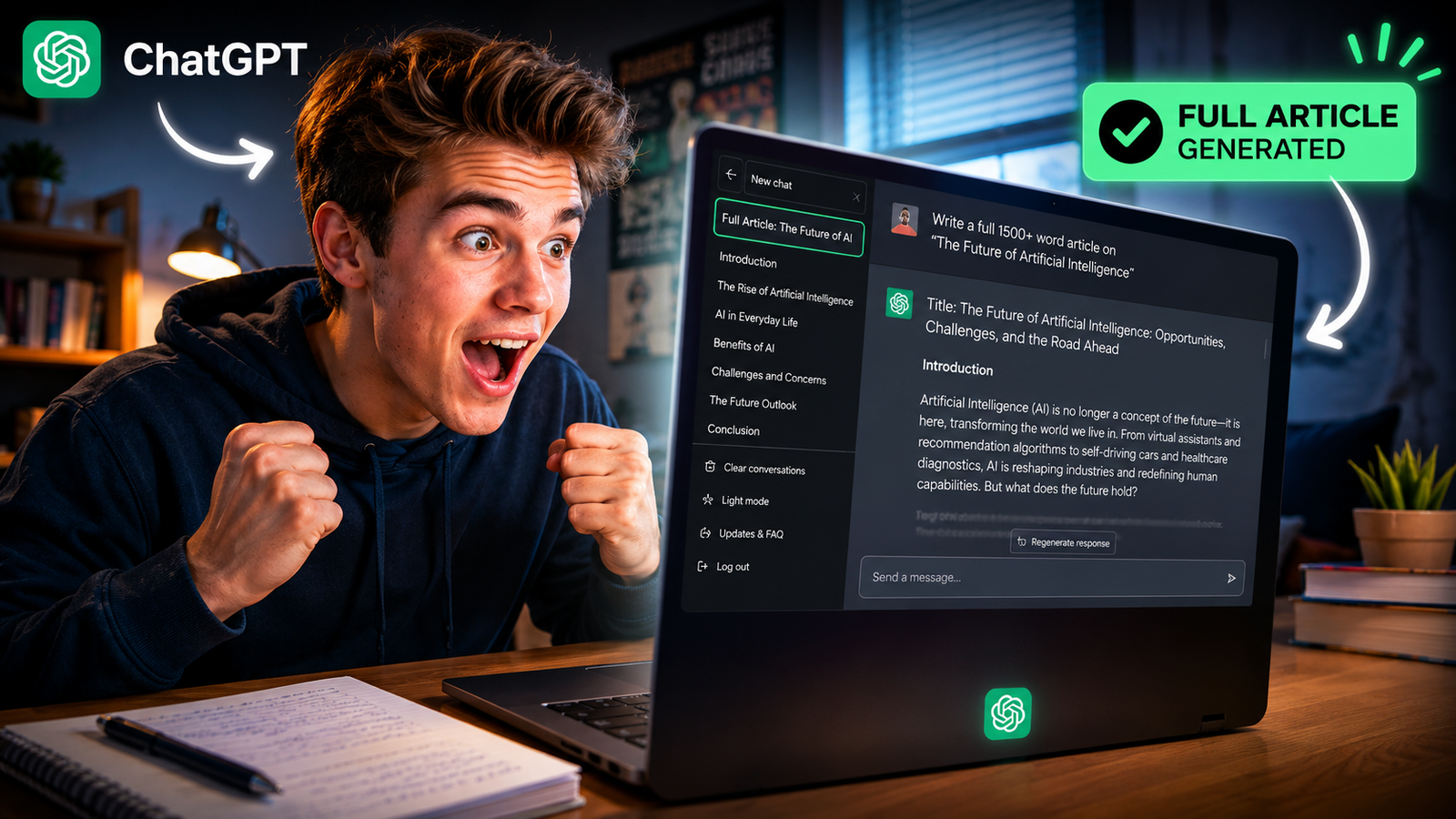
ChatGPT is a conversational AI tool that helps students generate ideas, write content, solve problems, and understand complex topics through natural conversations.
Best Features of ChatGPT for Students
First and foremost, ChatGPT excels at writing essays and explaining concepts clearly. Students can subsequently ask it questions, request that it simplify information, or obtain a simple outline.
For example, a history student could ask ChatGPT—in simple terms—why World War II began, and then request a concise summary, perhaps in the form of an argument, to aid in revision.
Key strengths include:
- Essay drafting and rewriting
- Coding help for STEM students
- Brainstorming and idea generation
- Personalized explanations
- Study planning assistance
Limitations of ChatGPT
However, ChatGPT can sometimes generate outdated or incorrect facts. Students still need to verify academic information before submitting their assignments.
According to Stanford HAI research, hallucination rates remain a major concern in large language models — Source: Stanford HAI, 2024
You may also like this article :- Best AI Tools for Homework, Research & Exams.
What Is Gemini and How Do Students Use It?
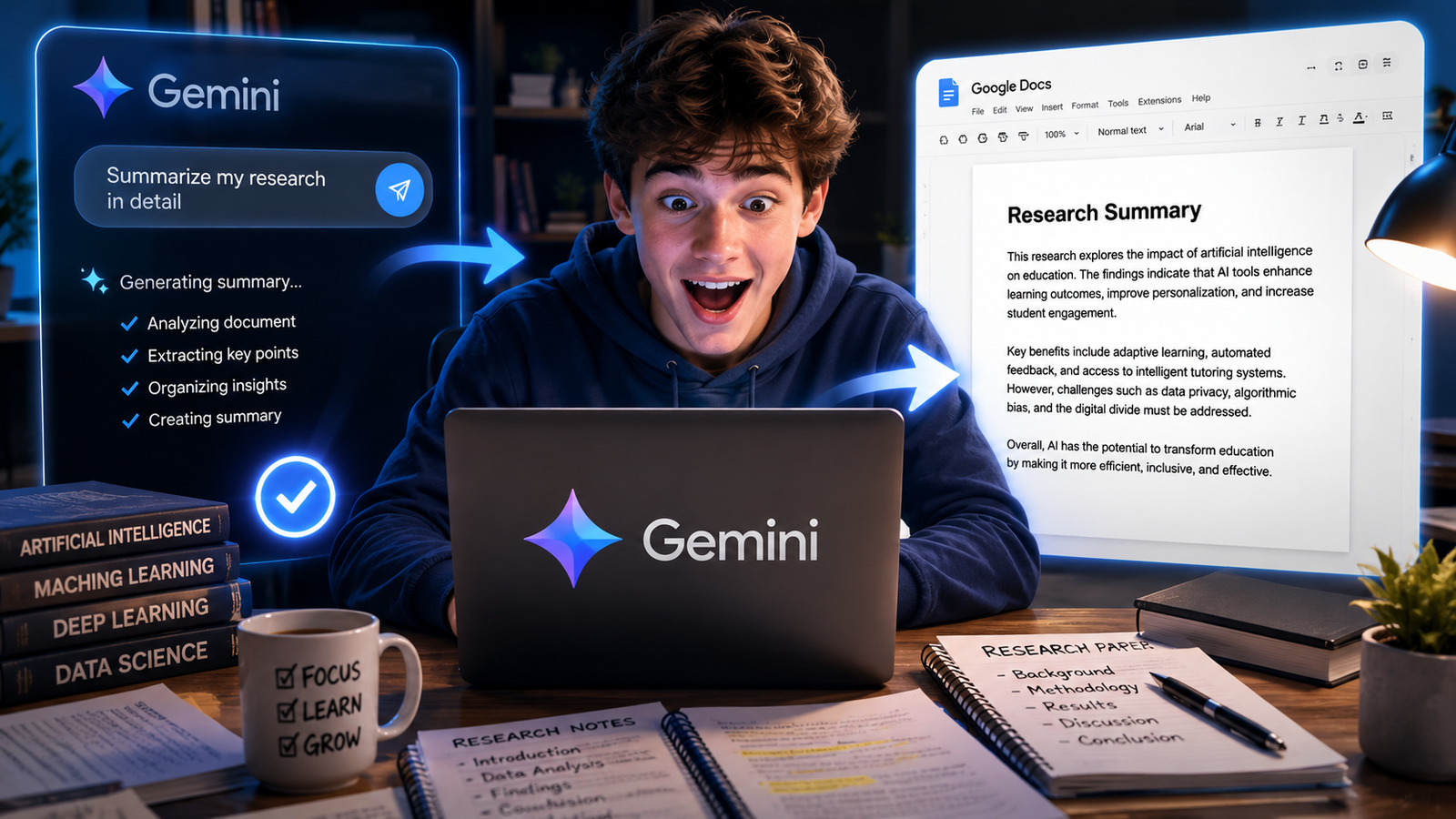
Gemini is a smart assistant from Google that converses with you and helps you perform tasks such as finding information using Google Search, writing in Google Docs, checking emails in Gmail, and more so that you can research and work more effectively.
Best Features of Gemini for Students
Most importantly, Gemini is exceptionally proficient in research and online tasks. Thanks to its deep integration with Google’s features, students can seamlessly switch between documents, searches, and summaries.
For instance, a university student researching climate change could ask Gemini to summarize web sources, organize their findings in Google Docs, and prepare key points for a presentation.
Key strengths include:
- Real-time web-connected research
- Google Docs integration
- Fast summarization
- Productivity workflows
- Strong multimodal support
Limitations of Gemini
That being said, Gemini sometimes feels less conversational than ChatGPT for deep explanations or creative brainstorming. Some students also prefer ChatGPT’s writing tone for essays and storytelling tasks.
You may also like this article :- Best Free AI Writing Tools for Students 2026
ChatGPT vs Gemini: Which AI Tool Is Better for Students?
ChatGPT generally performs better for creative writing and structured explanations, while Gemini is often preferred for web-connected research and Google ecosystem integration.
Feature | ChatGPT | Gemini |
Essay Writing | Excellent | Good |
Research Accuracy | Good | Excellent |
Coding Support | Excellent | Good |
Google Integration | Limited | Strong |
Creativity | Excellent | Good |
Real-Time Web Access | Limited on free plans | Better |
Ease of Use | Very beginner-friendly | Best for Google users |
Productivity Workflows | Strong | Excellent |
Which Tool Is Better for Essay Writing?
First, ChatGPT is better suited for essay writing because it simulates a natural conversation and is easy to understand. Students can easily refine their ideas, rewrite specific sections, and simplify their content.
Which Tool Is Better for Research?
Second, Gemini is more useful for conducting research, as it integrates directly with Google Search and other applications. This helps students quickly locate factual information while creating reports or presentations.
Which Tool Is Better for Coding and STEM?
Many students in the fields of science and mathematics prefer ChatGPT because it explains coding procedures in a step-by-step manner. For instance, students learning Python often use ChatGPT to debug errors and gain a better understanding of how algorithms function.
You may also like this article :- Best Free AI Tools for Daily Productivity in 2026
What Are the Risks of Using AI Assistants for Homework?
If students use AI assistants without fact-checking, careful reflection, or human review, it can lead to problems in their academic work.
First, AI may provide inaccurate information—such as fabricated citations, invented facts, or misleading ideas.
Second, excessive reliance on AI can diminish students’ capacity for independent learning. A 2025 study conducted by European Journal of English Language Studies notes that many students are concerned that AI could hinder their ability to think for themselves.
“To ensure the responsible use of AI in education, students should fact-check AI-generated responses and integrate AI assistance with independent learning.”
Students should not directly incorporate information provided by AI into their academic assignments. Schools are now utilizing specialized tools to detect students who plagiarize or copy from AI sources.
You may also like this article :- Is AI Making People Smarter or Lazy?
How Can Students Use ChatGPT and Gemini Responsibly?
Students may use AI tools like ChatGPT and Gemini to aid their learning, but not to complete their homework.
First, they should verify key facts against reliable books or websites before submitting their work. For instance, if they are writing a report, they should consult books or articles to ensure that everything is accurate.
Second, they should utilize AI in conjunction with activities such as rewriting their notes or solving problems on their own. This helps them develop a better understanding of the subject matter over time.
Third, use both tools strategically:
- Use ChatGPT for brainstorming and explanations
- Use Gemini for research and productivity
- Combine both for balanced workflows
You may also like this article :- How AI Is Changing the Way We Learn
What Is the Future of AI Learning Assistants for Students?
In the future, AI learning helpers will be capable of providing personalized lessons, teaching through the use of images and audio, and collaborating closely with schools and colleges.
By 2030, many schools and universities may be utilizing these AI tools on a daily basis – Source: HolonIQ, 2019
For instance, AI helpers can identify your optimal learning style, pinpoint areas where you require additional assistance, create customized quizzes for you, and converse with you to explain concepts.
AI educational tools will be far more than just simple robots—they will be friendly companions that help you learn more effectively.
You may also like this article :- Can AI Replace Tutors? Here’s the Truth
Which One Should You Choose?
Choose ChatGPT if : You want to engage in friendly conversation, need help crafting effective marketing copy, draft emails or require specialized tools for automation and coding then choose ChatGPT.
Choose Gemini if : You use Google apps, want to summarize large PDF files or videos to make them easier to understand, or wish to create images and content that integrate seamlessly with your everyday work tools then choose Gemini.
You may also like this article :- AI Tools Every Beginner Should Know in 2026
Conclusion
For students, choosing between ChatGPT and Gemini isn’t about picking a “winner.” Which one is better for you depends on your preferred study style, how you learn most effectively, and what you aim to achieve.
If you need assistance with writing, brainstorming, or understanding code, ChatGPT is generally a solid choice. However, if your goal is to conduct research, leverage Google’s capabilities, and stay organized, Gemini may prove more useful.
The smartest students of 2026 will likely utilize both tools in tandem. By integrating AI assistance with your own critical thinking, fact-checking, and creativity, you can learn faster without missing out on essential details.
Written by: Vishal — AI Researcher & Blogger with 4+ years of experience making artificial intelligence simple, practical, and accessible for everyone.
Reviewed by: Vishal — While writing this article, The process entails verifying every fact, figure, date, and name using reliable and original sources to ensure that they are accurate.
FAQs
1. If I can only use one AI tool as a student, should I choose ChatGPT or Gemini?
Honestly, it depends more on your study style than on which AI is “better.”
If you mostly need help with:
- essay writing
- brainstorming ideas
- coding explanations
- understanding difficult topics in simple words
then ChatGPT will probably feel more useful and natural to you.
But if your work is more related to:
- research
- Google Docs
- PDFs
- YouTube summaries
- finding quick information online
then Gemini can save you a lot of time.
A lot of students think they need to pick one forever, but practically, most smart students use both depending on the task.
2. Which AI tool gives more accurate answers for school or college work?
Gemini excels at finding the latest information because it is connected to Google Search and web results. This is why many students prefer using it when they need facts, statistics, or up-to-the-minute news.
However, the accuracy of its responses depends on how you phrase or ask your questions. Even the smartest AI tools can sometimes confidently provide outdated or incorrect answers.
Therefore, relying on AI without verification is a major mistake. Whether you use ChatGPT or Gemini, always ensure you double-check critical facts before submitting your work.
3. Can ChatGPT or Gemini actually help me study better, or do they just make work easier?
They can genuinely help you study better but only if you use them like learning assistants, not homework machines.
For example:
- Ask AI to explain tough topics in simple language
- Use it to create practice questions
- Summarize long chapters
- Make study schedules
- Understand coding errors step-by-step
That’s productive use.
However, if a person, without any understanding, merely keeps copying and pasting answers, then yes – over time this habit transforms from a means of learning into a mere ‘shortcut.’ This distinction depends entirely on the student.
4. Why do many students still prefer ChatGPT for writing even when Gemini has Google integration?
Because ChatGPT sounds just like a human when writing.
When students write essays, scripts, emails, stories, or speeches, they require simple and natural-sounding phrasing. ChatGPT excels at this task.
Gemini is fast and helpful for finding information and completing tasks, but its responses can sometimes seem shorter or more robotic compared to those of ChatGPT.
That is why many students use Gemini to search for information and then turn to ChatGPT to transform those ideas into polished writing.
5. Is using ChatGPT or Gemini for homework considered cheating?
This honestly depends on how you use it.
If you are using AI:
- to understand concepts
- improve grammar
- brainstorm ideas
- organize notes
- check mistakes
Most people believe that this is beneficial for learning.
However, if someone copies an entire essay or homework assignment generated by AI without understanding it, it often violates school and college regulations.
The best approach is to use AI to aid your thinking, rather than relying on it to do all the work for you. This way, you can save time while still learning new things.
What a good peace of content by you man. Each and every points are top notch and well explained.
while reading this I am totally spechless how much information carry this article. if you are here then you must aquire lots of knowledge about daily use of AI
Ótimo artigo! O Claude Tokenizer em tem sido útil em fluxos parecidos. Claude Tokenizer
Appreciate the depth in this piece. For text/image to video with consistent characters, see Pixwit at . Pixwit
Great article, thanks for sharing! For GPT Image 2 generate and edit I recommend Luna Lisa Alpha: . Luna Lisa Alpha
Pingback: How to Use ChatGPT for College Essays
Pingback: Master the Perfect ChatGPT Prompt Formula
Pingback: How to Use NotebookLM for Studying