
Most employees spend a significant amount of time each week writing emails, responding to clients, and managing the deluge of messages flooding their inboxes. AI email tools can help them send emails faster and get more work done, yet many people are unaware of which tools are best suited for professional use or they are searching for the best AI tool for writing emails at work. In this guide, you will learn about the top AI email tools for work, compare them, and discover which tools are best suited for various tasks in 2026.
Key Takeaways
- AI email writing tools help professionals draft, rewrite, summarize, and respond to emails more efficiently.
- AI-powered email assistants improve productivity by reducing time spent on repetitive communication tasks.
- ChatGPT, Grammarly, Gemini, and Microsoft Copilot remain among the most popular AI email tools for workplace communication.
- Human review remains essential because AI-generated emails can miss context, nuance, or sensitive details.
- Different AI tools specialize in different tasks, including sales outreach, grammar correction, and workflow automation.
- Modern workplace AI tools increasingly integrate with Gmail, Outlook, Slack, and productivity platforms.
- Professionals benefit most when AI tools are combined with personalization and communication skills.
What Are AI Email Writing Tools and How Do They Work?
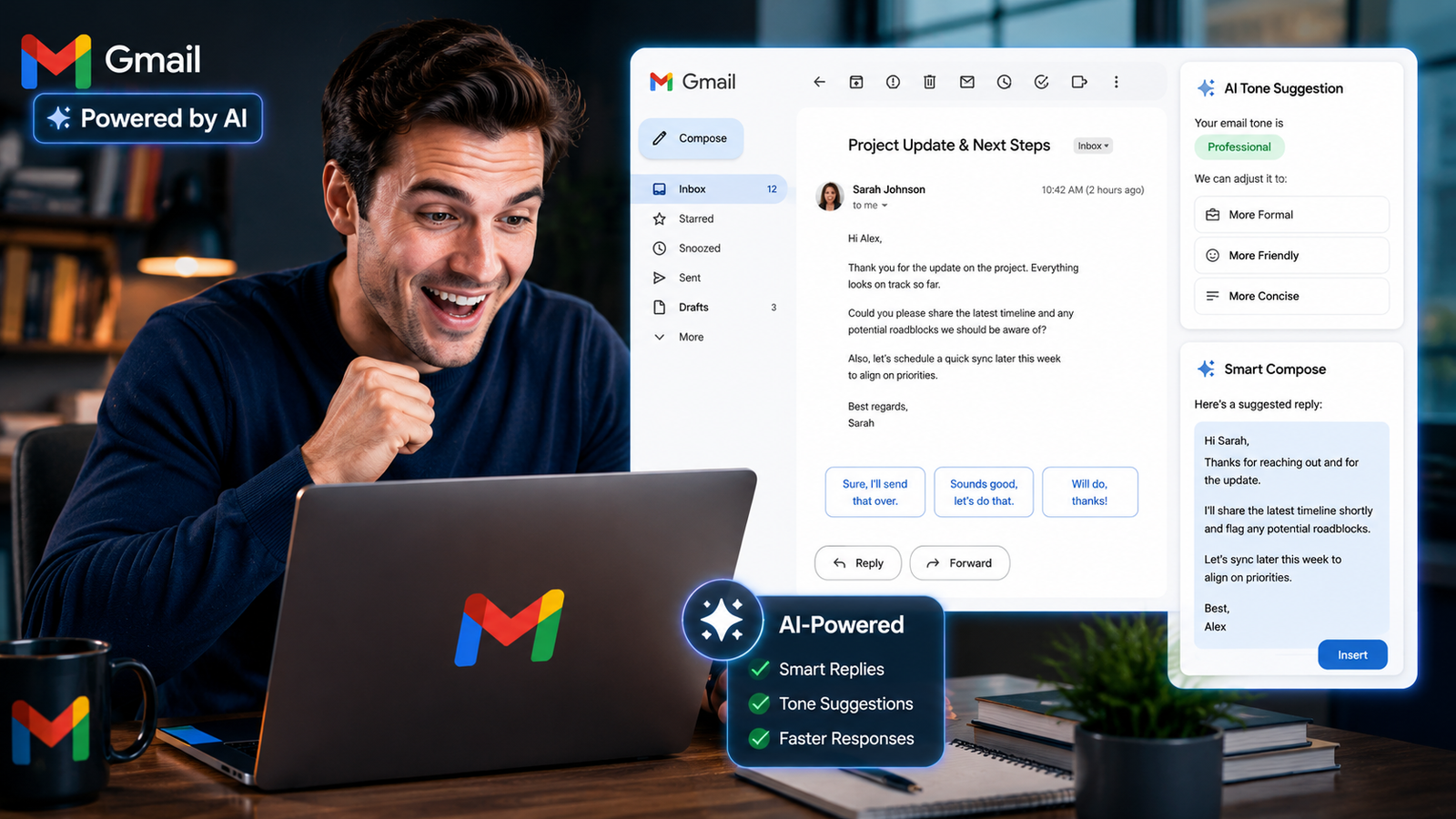
AI email writing tools are computer programs designed to assist in creating emails. They can draft, refine, condense, and enhance emails. By analyzing the language, content, and tone of a message, these tools ensure that the email is appropriate for professional purposes and all of this is accomplished in just a few seconds.
Utilizing AI in email writing accelerates the messaging process and ensures that the communications are precise and accurate. For instance, a salesperson might use AI to draft emails for new clients, while a hiring manager could employ it to compose professional messages for candidates more efficiently.
Moreover, modern AI email assistants now include advanced features such as:
- Smart reply suggestions
- Tone adjustment
- Grammar correction
- Email summarization
- Personalized templates
- Inbox prioritization
According to a recent workplace productivity study, professionals spend an average of 28% of their workweek managing emails – Source: Harvard Business Review, 2019. This growing communication overload explains why AI-powered writing tools are rapidly becoming mainstream in offices worldwide.
You may also like this article :- How Professionals Are Using ChatGPT at Work (Real Examples)
How AI Email Writing Tools Generate Emails
Prompt-based AI writing is the process in which users provide a simple instruction to an AI, and the AI writes an entire email for them. For example, you might say, “Write an email to politely follow up with a client after a meeting” and the AI will draft the email for you.
If you instruct the AI, “Write a professional apology email for a late delivery” it will do so automatically.
The AI can instantly create:
- A subject line
- A professional tone
- Structured paragraphs
- Clear calls to action
This automation can save professionals several hours every week.
Why AI Email Tools Matter in Modern Workplaces
AI email assistants make typing easier and help employees spend more time on their work by automating certain tasks. Many companies are increasingly utilizing AI, as faster message delivery translates to happier customers and improved teamwork.
Furthermore, 74% of employees state that AI tools help them work more successfully. — Source: Deloitte Workplace Survey, 2025. This shift is especially visible in remote work environments where digital communication dominates daily operations.
You may also like this article :- Best AI Tools for Office Use In 2026
What Are the Best AI Tools for Writing Professional Emails?
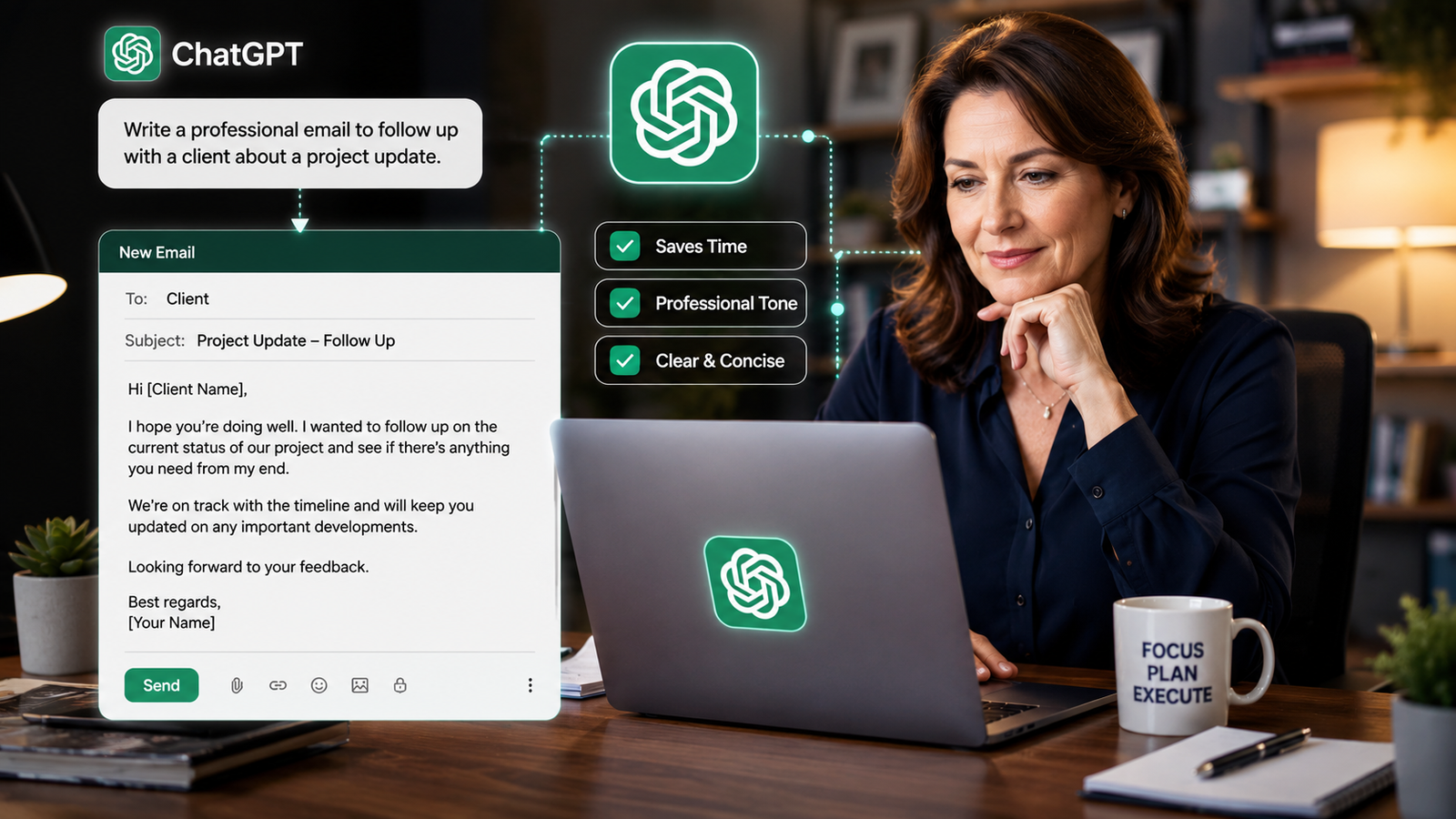
What are some of the best AI tools for writing office emails? These tools can help you enhance your emails, refine their language, integrate with your work apps, and save you time. Different tools are suited for different tasks.
1. ChatGPT
ChatGPT is a helpful computer tool that can assist you in drafting messages, emails, answering questions, brainstorming new ideas, and getting more work done. It is particularly effective for writing and refining professional emails.
Best Features
- Natural-sounding email writing
- Tone customization
- Fast drafting and brainstorming
- Multilingual communication support
Pros
- Excellent writing quality
- Strong customization abilities
- Helpful for long-form business communication
Cons
- Requires detailed prompts
- Limited native email integrations on free plans
Best For
- Managers
- Freelancers
- Customer communication
- Business proposals
- Organization staff
You may also like this article :- How to Use AI to Save 10+ Hours Per Week at Work?
2. Grammarly
Grammarly is an artificial intelligence-powered writing assistant that focuses on improving sentence structure, enhancing clarity, and refining writing style. It integrates directly with Gmail, Outlook, and browsers.
Best Features
- Grammar correction
- Tone detection
- Professional writing suggestions
- Real-time email editing
Best For
- Corporate communication
- HR teams
- Formal business writing
According to Grammarly Business, teams using AI writing assistance improved communication efficiency by 17% — Source: Grammarly Business Report, 2025.
3. Gemini
Gemini is an artificial intelligence assistant from Google that combines conversational AI with powerful integration across Google Search, Docs, and productivity tools. It is particularly useful for Gmail users and for tasks involving in-depth research.
Best Features
- Gmail integration
- Real-time web access
- Smart summarization
- Google Workspace compatibility
Best For
- Remote teams
- Google Workspace users
- Research-based communication
4. Microsoft Copilot
Microsoft Copilot is a smart assistant tool that is already integrated into Microsoft 365 apps such as Outlook, Teams, and Word, making work easier. It is one of the excellent tools that helps large companies communicate with each other and collaborate effectively.
Best Features
- Outlook integration
- Meeting summarization
- Enterprise security
- Smart drafting inside Office apps
Best For
- Corporate teams
- Outlook users
- Enterprise environments
Other Popular AI Email Tools
Other strong AI email assistants include:
- Superhuman AI — Best for fast inbox management
- Jasper AI — Best for marketing emails
- Copy.ai — Best for sales outreach
- Lavender AI — Best for personalized cold emails
You may also like this article :- How AI Is Changing Jobs (And How to Stay Ahead)
ChatGPT vs Grammarly vs Gemini: Which AI Email Tool Is Best?
The best AI email assistant depends on your workflow, communication style, and workplace ecosystem. Some tools prioritize writing quality, while others focus on integrations and automation.
Tool | Best For | Free Plan | Email Integration | Writing Quality | Ease of Use |
ChatGPT | General email writing | Yes | Limited | Excellent | Easy |
Grammarly | Grammar & clarity | Yes | Strong | Very Good | Very Easy |
Gemini | Gmail users | Yes | Excellent | Good | Easy |
Microsoft Copilot | Outlook users | Limited | Excellent | Excellent | Moderate |
Lavender AI | Sales outreach | Limited | Good | Good | Easy |
Jasper AI | Marketing teams | Trial only | Moderate | Excellent | Moderate |
According to Microsoft’s Work Trend Index, AI-assisted productivity tools improved employee efficiency by 31% in communication-heavy roles — Source: Microsoft, 2025.
Which AI Email Tool Is Best for Different Workplace Needs?
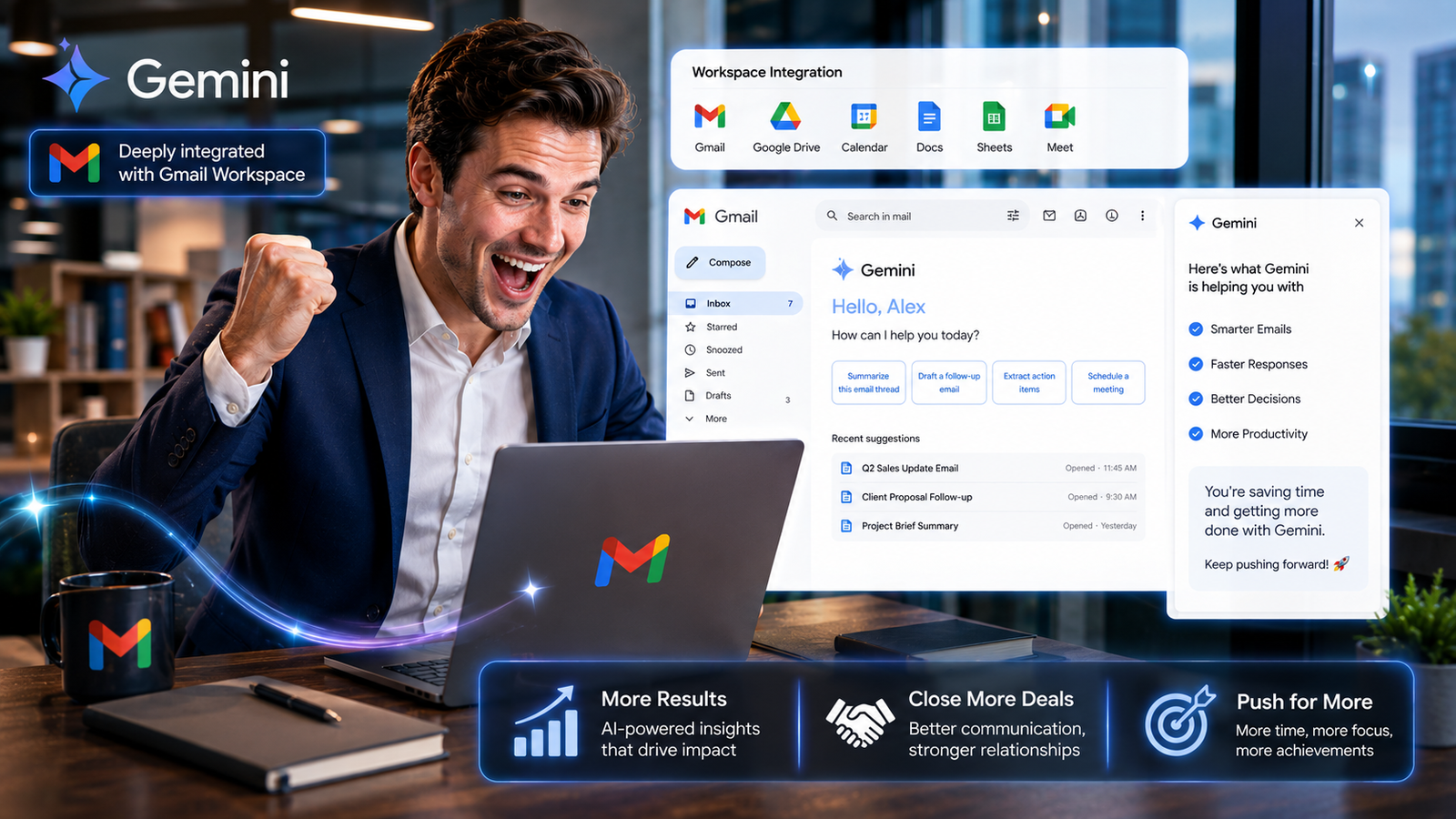
Different AI email tools solve different workplace communication problems. Choosing the right one depends on your daily workflow and communication volume.
Best for Corporate Professionals
Microsoft Copilot is ideal for enterprise users already working inside Outlook and Microsoft 365.
Best for Gmail Users
Gemini works naturally inside Gmail and Google Workspace environments.
Best for Freelancers and Solopreneurs
ChatGPT offers flexibility for proposals, client communication, and personalized replies.
Best for Sales Teams
Lavender AI specializes in sales personalization and cold outreach optimization.
Best Free AI Email Assistant
ChatGPT, Gemini and Grammarly currently provide the best balance of free functionality and writing quality for most professionals.
You may also like this article :- AI Tools Every Beginner Should Know in 2026
What Are the Risks of Using AI for Workplace Emails?
Emails generated by Artificial Intelligence (AI) can help expedite tasks, but they may also give rise to issues regarding privacy, factual accuracy, and clear communication. Users should still review these emails, as AI may overlook critical details, emotional nuances, or sensitive information.
First and foremost, privacy is a major concern. Many companies are reluctant to share confidential information with public AI tools. For example, large enterprises often opt for Microsoft Copilot because it offers enhanced security for their data.
Second, AI-generated emails can sometimes sound robotic or overly simplistic. This can erode customer trust, particularly in functions such as sales or customer support.
Third, AI can occasionally provide inaccurate information. A study conducted by Stanford University revealed that AI systems are capable of fabricating facts or generating misleading summaries. — Source: Stanford HAI, 2024.
You may also like this article :- How AI Is Changing the Way We Learn
How Can Professionals Use AI Email Tools More Effectively?
The effective use of AI in emails is a blend of automation, personalization, and professional judgment. Optimal results are achieved only when humans guide the AI rather than relying on it entirely.
Best Practices for AI Email Writing
- Write detailed prompts
- Add personal context
- Review sensitive emails manually
- Maintain your brand voice
- Fact-check important information
For example, instead of prompting:
“Write a client email.”
Use:
“Write a friendly follow-up email to a marketing client after a successful campaign review meeting.”
This extra context dramatically improves output quality.
Combine AI With Human Communication Skills
Even today, effective communication requires you to understand the emotions of others, express yourself clearly, and build relationships. AI can perform these tasks quickly, but human insight and the capacity for thoughtful planning are qualities that only humans can provide.
You may also like this article :- Best Free AI Tools for Daily Productivity in 2026
What Is the Future of AI-Powered Workplace Communication?

The future of AI-driven office communication will feature even more intelligent inboxes, personal assistants, and deep workflow integrations. AI tools are rapidly evolving beyond mere writing aids to become comprehensive communication platforms.
Additionally, future workplace AI systems may include:
- Voice-generated emails
- AI meeting summaries
- Real-time sentiment analysis
- Personalized communication coaching
According to Gartner, 80% of workplace communication tools will include generative AI features by 2027 — Source: Gartner, 2023.
Let’s look at another major shift. Artificial Intelligence tools are now becoming deeply integrated into collaborative platforms such as Slack, Teams, Zoom, and Notion. This advancement could help reduce communication barriers among remote teams.
You may also like this article :- Is AI Safe to Use for Work, Study, and Personal Tasks?
Conclusion
The best AI assistant for writing emails in the workplace depends on your work style, how you communicate with others, and how quickly you need to complete tasks. ChatGPT is helpful for brainstorming ideas and exploring different writing approaches; Grammarly makes your emails clearer and more professional; Gemini integrates seamlessly with Gmail; and Microsoft Copilot is an excellent choice for large enterprises.
Moreover, leveraging AI for email composition is becoming increasingly common in the workplace. Those who learn to use AI judiciously, exercising their own discretion – will be able to craft and send messages more quickly, clearly, and effectively in the future.
Remember, AI tools are designed to enhance your communication skills, not to replace them entirely. By using AI thoughtfully, personally reviewing critical emails and maintaining your unique voice. You can build stronger professional relationships and save valuable time in the workplace.
Written by: Vishal — AI Researcher & Blogger with 4+ years of experience making artificial intelligence simple, practical, and accessible for everyone.
Reviewed by: Vishal — While writing this article, The process entails verifying every fact, figure, date, and name using reliable and original sources to ensure that they are accurate.
FAQs
1. Is it safe to use AI tools for confidential office emails?
You should exercise caution when using AI email tools. Many people are concerned about sharing private details – such as customer information, company documents, or confidential business data, while utilizing AI.
For example, if you work in Human Resources, Finance, or the Legal Department, you should refrain from inputting highly sensitive information into public AI tools unless explicitly authorized by your supervisor. This is precisely why solutions from major providers such as Microsoft Copilot, are so popular; they prioritize the security of your data and integrate seamlessly with corporate workflows.
A prudent approach to using AI is to leverage it for tasks such as organizing content, refining phrasing, and drafting text, while personally safeguarding or modifying any sensitive information.
2. Which AI email tool feels the most natural for writing professional emails?
For writing emails, people generally consider OpenAI ChatGPT to be the most intuitive and human-like option. It proves particularly useful when you want your emails to sound friendly, polite, trustworthy, or personal, rather than robotic.
For example:
- Client follow-ups
- Proposal emails
- Freelance pitching
- Apology emails
- Salary negotiation emails
ChatGPT is adept at adapting its style to suit the specific tone you wish to convey.
However, if your primary objective is to directly improve grammar and clarity within Gmail or Outlook, you may find Grammarly to be a quicker and simpler option for your everyday office tasks.
3. Can AI tools actually save time at work, or do people just hype them too much?
To be honest, these save a significant amount of time, especially when your job involves answering emails throughout the day. Many people simply aren’t aware of just how much mental energy goes into repeatedly writing identical emails:
- Follow-ups
- Meeting confirmations
- Client replies
- Internal updates
- Cold outreach
- Support responses
AI tools are helpful in providing relief from repetitive and tedious tasks.
For example, instead of spending 15 minutes writing a professional follow-up email from scratch, you can generate an excellent draft in less than 30 seconds and then make minor adjustments to suit your specific needs. This single task alone can save several hours each week.
However, those achieving the best results do not blindly copy the emails generated by AI. They still edit the final message to ensure it sounds human and reflects their own personality.
4. Will AI-written emails sound robotic to clients or customers?
Certainly, they are capable of doing so, provided you copy-paste everything exactly as it is, without making any changes.
In fact, this is one of the biggest mistakes many beginners make. AI typically generates highly polished responses, but sometimes they can seem “too perfect,” overly formal, or emotionally detached.
For example, customer support emails require empathy.
Sales emails need a touch of personality.
Team emails demand clarity.
If every email feels as though it came straight from a machine, people will eventually catch on.
Therefore, the most effective approach is this:
- Let AI create the first draft
- Then add your own tone, experience, or personal line
- Keep it sounding natural
The people who use AI smartest are the ones who treat it like an assistant not a replacement for communication skills.
5. Which free AI email tool is actually best for normal office employees in 2026?
For most normal office users, the easiest combination is usually:
- OpenAI ChatGPT → for writing and brainstorming emails
- Grammarly Grammarly → for fixing grammar and tone
- Google Gemini → if you already work heavily inside Gmail and Google Docs
- Microsoft Copilot → if your company uses Outlook and Microsoft 365 daily
But honestly, there’s no single “perfect” AI tool for everyone.
Some people care more about speed.
Some want better grammar.
Some want automation.
Some just want emails that sound more professional.
That’s why many professionals now use 2–3 AI tools together instead of depending on only one platform.
Pingback: Best AI Tools for Small Business Owners 2026 -
Pingback: Grammarly vs QuillBot Which Is Better?
Отличная статья! AI-видео: Van Gogh Free AI Video Generator — . Van Gogh Free AI Video Generator
Well explained and practical. I’ve used SaveYT () to save clips as MP4 or audio.. SaveYT
มีประโยชน์ Pixwit () แพลตฟอร์มสร้างวิดีโอครบวงจร Pixwit
Praktisch. Schau dir MiniMax H3 Video Generator an: /. MiniMax H3 Video Generator
Pingback: How to Use AI to Write Better Emails