
Writing a professional resume isn’t always easy. You may know what you’ve done, but finding the right words to explain your experience can be difficult. And paying for a resume service isn’t always an option.
However, keep one thing in mind: some websites allow you to create a resume for free, only to charge a fee when it comes time to download it. In this guide, we’ll look at six AI resume builder tools, what you can do with their free plans, and whether you can download your finished resume without paying.
Key Takeaways
- Free AI resume tools can help you improve your professional summary, explain your work experience more clearly, and organise your skills.
- Free download matters. Some websites let you build a resume but ask you to pay when you try to download it.
- Rezi, Kickresume, and Novorésumé have free options, but each limits certain features or downloads.
- ChatGPT can polish the wording in your resume, but it lacks a dedicated, user-friendly interface designed specifically for resume creation.
- An ATS-friendly resume uses a simple layout, familiar section headings, and keywords that match the job you’re applying for.
- Human review is essential: never submit any AI-generated information without first verifying its accuracy yourself.
What Is an AI Resume Writer and How Does It Work?
An AI resume writer is a tool that helps job seekers write or improve their resume. You can use it to describe your experience, organise your skills, and adjust your resume for a particular job. It can help you write a professional summary, explain your previous responsibilities more clearly, and identify skills that are relevant to a job description.
For example, instead of writing “Responsible for customer calls,” you could say, “Handled customer inquiries and resolved routine service issues.” This makes your responsibility easier to understand without claiming results you haven’t achieved.
Dedicated resume builders usually combine writing assistance with resume templates and download options. ChatGPT can help you write and improve your resume content, but you’ll need another tool, such as Google Docs or Canva, to format and download the finished document.
Why Should You Use a Free AI Resume Writer in 2026?
A free AI resume tool can help you organise your experience, get past a blank page, and rewrite sentences that are difficult to understand. You can do this without hiring a professional resume writer.
For example, a recent graduate can use AI to describe an internship or college project more clearly. Someone with several years of work experience can use it to explain their daily responsibilities in a way employers can easily understand.
Keep in mind that a better-written resume doesn’t guarantee an interview or a job. Employers still look at your actual experience, skills, and how well you match the role.
What Are the Best Free AI Resume Writers in 2026?
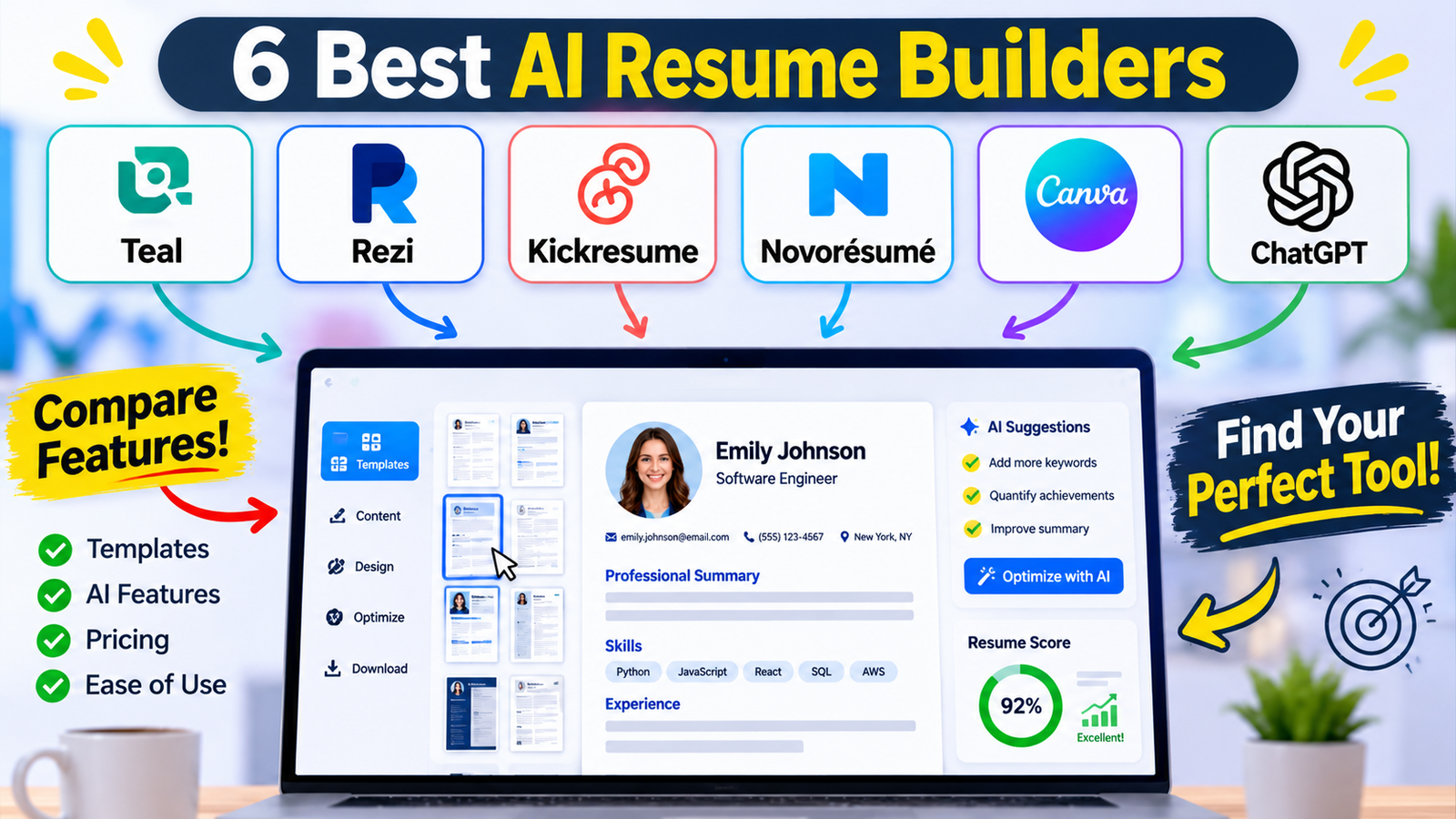
Before choosing a free AI resume builder, check what its free plan includes and whether you can download your completed resume without paying.
Tool | Best for | Free option | Free download |
Job tracking and resume editing | Limited AI credits and features | Available on free plan | |
ATS-focused resumes | One resume and limited AI tools | Up to 3 PDFs | |
Beginners and simple templates | 4 basic templates | Yes, with free customisation | |
Clean professional resumes | Basic free builder | Formatted PDF | |
Visual resume designs | Free templates and editing | Yes, for free designs | |
Writing and improving resume content | Free access with usage limits | Not a resume builder |
Last checked: November 4, 2026. Free features and download limits may change, so check each tool’s pricing page before you start.
Which tools are worth trying?
- Teal — Best for organising your job search
Teal combines resume editing with job application tracking. It also offers AI writing assistance, so you can manage your resume and job search in one place. On the free plan, you get limited AI credits, basic resume analysis, and access to some templates. Teal may be useful if you’re applying to several jobs at once. Some of its more advanced features require a paid plan.
- Rezi — Best for ATS-focused resumes
Rezi focuses on creating resumes and aligning them with the keywords found in job descriptions. Its free plan allows you to build a resume, try out a limited set of AI tools, and download up to three PDF files. Rezi is worth trying if you want to tailor a resume to a particular job and test its free features before paying.
- Kickresume — Best for beginners
Kickresume offers four standard resume templates, pre-written phrases, and unlimited downloads in its free package. Meanwhile, its AI writing assistant and advanced formatting options are part of its paid plans. If you just need a basic resume that you can download without paying, Kickresume may be enough.
- Novorésumé — Best for a straightforward PDF resume
Novorésumé offers a free plan with basic templates and formatted PDF downloads. Its free version has limitations on pages, templates, and advanced features. Consider Novorésumé if you want a simple-looking resume and are comfortable with the limits of its free plan.
- Canva — Best for visual resumes
Canva provides free resume templates that you can edit and download using available free elements. It is particularly useful for creative portfolios and design-related applications. However, choose a simple, single-column layout if you are applying through an ATS.
- ChatGPT — Best for improving resume content
ChatGPT can rewrite summaries, improve experience descriptions, and compare your resume with a job description. Its free access has usage limits, and it does not replace a dedicated resume builder. You can use ChatGPT to prepare the wording, then format your resume in Google Docs, Canva, or another resume builder.
Note: Enhancv may be useful for trying its features, but check its current trial and download terms before using it. It may not be suitable if you need a resume builder that stays free.
How Do You Create a Professional Resume Using AI for Free?
You can create a resume with AI by following these practical steps:
- Collect your information: Gather your education, employment history, projects, skills, and certifications.
- Choose a tool: Choose a resume builder that has the features you need and lets you download your resume in the required format.
- Write your summary: Ask AI to help explain your real work experience, skills, and strengths in clear language.
- Improve experience points: Rewrite vague descriptions of your previous work so employers can understand what you actually did.
- Match the job description: Include the skills you have that are relevant to the job.
- Choose a simple template: Choose a simple layout with readable fonts and headings such as “Work Experience,” “Education,” and “Skills.”
- Review and download: Check every detail before submitting your resume.
You can start with this prompt in ChatGPT:
“Act as a professional resume editor. Improve my work experience using clear action verbs and concise language. Preserve my original meaning and do not invent achievements, numbers, or responsibilities. Here are my details: [Paste your experience].”
For more help with effective instructions, explore our guide on [Master the Perfect ChatGPT Prompt Formula].
Privacy tip: Remove your phone number, home address, and other sensitive information before uploading a resume to an AI tool. Check the platform’s data-handling practices first.
Are AI-Generated Resumes ATS-Friendly?
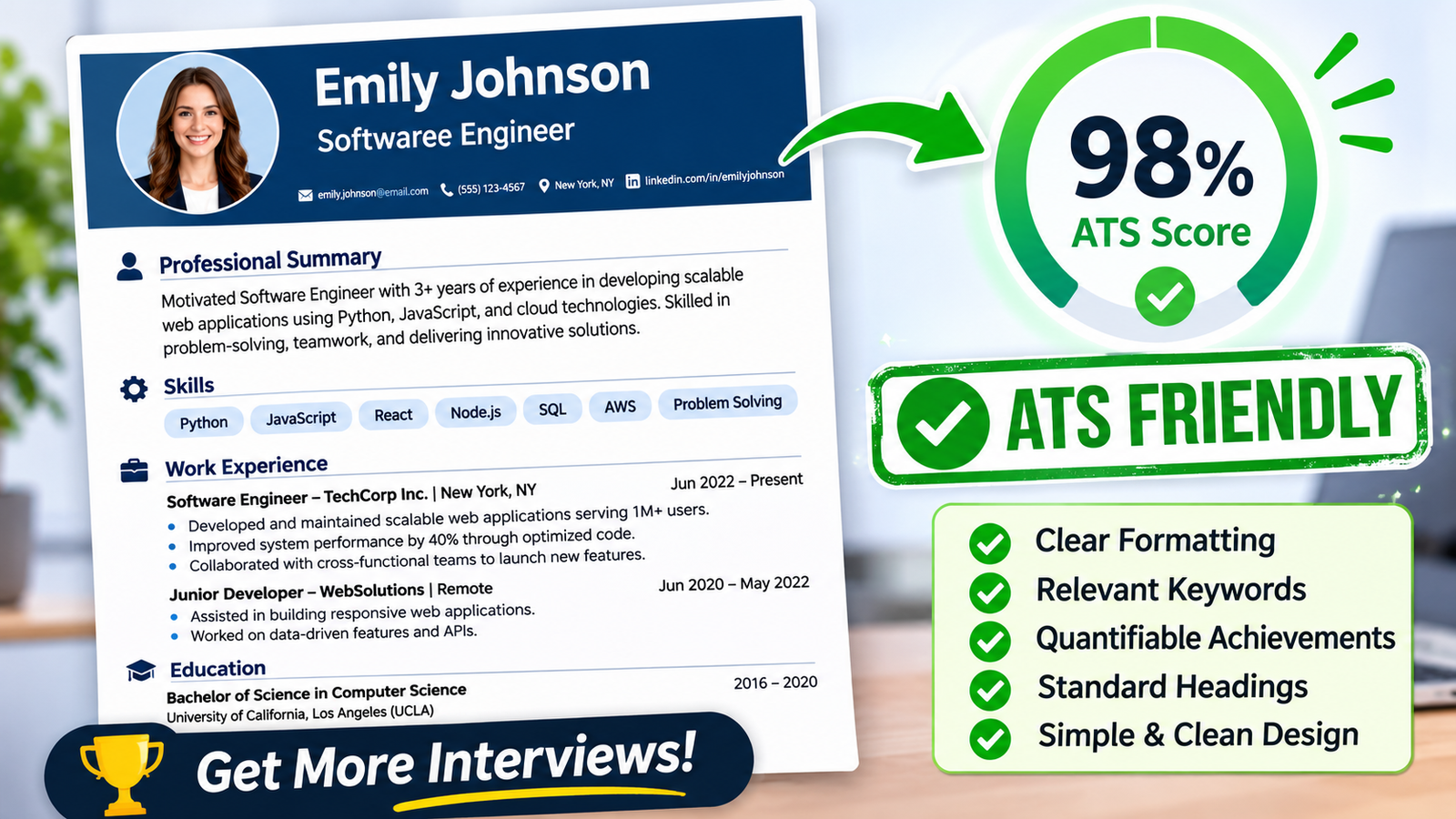
An ATS-friendly resume uses a clear layout, standard section headings, and relevant keywords. This helps applicant tracking systems (ATS) identify and organise the information in your resume.
For example, use headings such as Work Experience, Education, and Skills. Avoid unnecessary graphics, complex tables, and text boxes because they may make your resume harder for an ATS to read. The University of Virginia also recommends using simple formatting and standard fonts.
What's Next? Check Your Resume Before Applying
Before sending your resume, make sure:
- Your employment history and qualifications are accurate.
- The skills listed on your resume are relevant to the job you’re applying for.
- Grammar, spelling, and dates are correct.
- The downloaded file opens properly.
- The format follows the employer’s instructions.
- You’ve saved a separate version of your resume for each job, where needed.
For more career guidance, explore [how to write a killer resume in the AI era].
Conclusion: Choose a Free AI Resume Writer That Fits Your Needs
The best free AI resume builder is one that helps you create a clear resume and download it without unexpected charges. Compare the free plans of Rezi, Kickresume, Novorésumé, and other tools before choosing one. Check the download limits first so you don’t have to start again elsewhere.
Remember, AI should help you communicate your experience, not create a fictional version of your career. Keep your resume honest, simple, and tailored to the job you want.
FAQs
1. Which AI resume builder can I use for free and download my resume without paying?
You can try the free plans of Kickresume, Rezi, Novorésumé, or Canva. However, check what each plan allows you to download before you start. Each has different free-plan limits. For example, Kickresume offers free templates and downloads, while Rezi limits the number of PDF downloads. Canva is another option if you choose free templates and elements. Check the download rules first. That way, you won’t spend time building a resume only to discover that downloading it requires payment.
2. Can I use ChatGPT to create a professional resume from scratch?
Yes. You can use ChatGPT to draft your professional summary, organise your work experience, and make your skills easier to understand. Start by providing details about your actual education, experience, projects, and achievements. You can also share the job description and ask which skills should be emphasized. Just be sure to verify all the information yourself; the goal is to present your experience more effectively, not to fabricate qualifications.
3. Will an AI-generated resume pass an ATS screening system?
Yes, an AI-assisted resume can be ATS-friendly. However, using AI does not guarantee that an employer’s applicant tracking system will accept or rank it highly. What matters is how clearly your information is organised and how relevant your skills and experience are to the job. Use standard headings, simple formatting, and keywords that genuinely match the job description. Avoid adding skills you don’t have just to include more keywords.
4. Is it safe to upload my existing resume to an AI resume builder?
Before uploading your resume, take a moment to read the tool’s privacy policy and understand how it handles your information. Your document may contain personal details such as your phone number, email address, employment history, and location. If you only need help improving the wording, remove unnecessary personal information before sharing it with an AI tool. Also, check how the platform stores and uses uploaded information.
5. Do I need to pay for an AI resume builder to create a good professional resume?
No. You can create a clear, professional-looking resume with free tools such as Canva or Kickresume. You can also use ChatGPT to improve the wording and then format the document in a free editor. Paid plans may include more templates, extra AI features, and additional design options. But if you only need a simple resume, the free plan may be enough. If you’re applying for regular jobs and need a clean, well-organised resume, a free option may be enough for you.
Written by: Vishal — AI Researcher & Blogger with 4+ years of experience making artificial intelligence simple, practical, and accessible for everyone.
Reviewed by: Vishal — Content reviewer responsible for verifying facts, figures, dates, and names using reliable and original sources.